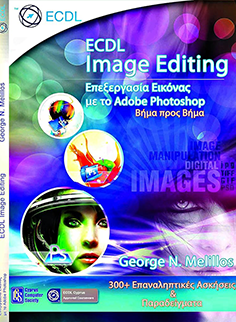
Ecdl Image Editing – Using Adobe Photoshop
€ 20
This book is designed to acquaint students with the development environment of Adobe Photoshop and provide them with the necessary knowledge on how to edit and manage digital images. Furthermore, the aim is to equip learners with the skills to properly prepare for the ECDL Image Editing certification examination. The book is based on the official syllabus [Syllabus] 2.0. Each work piece provides complete instructions based on step-by-step techniques, and additionally, there are more than 300 exercises and examples to enable trainees to quickly and easily gain as much benefit from this book as possible. The main advantages of learning Image Processing (Image Editing) are as follows: Beneficial for students and individuals (for personal use), but presented in a personal business and professional course. Based on a simple and comprehensive training program. Covers the basic framework for the processing of digital images. Leads to understanding of the main concepts of using digital images and understanding graphic format options and color concepts. Learn to open an existing image, save an image in different formats, and set image file options. Use built-in options such as displaying toolbars and palettes to enhance productivity. Capture and save an image, use various selection tools, and manipulate images. Create and use layers, work with text, use effects and filters, and use drawing and painting tools. Prepare images for printing or publishing.